

 claude-sonnet-4-6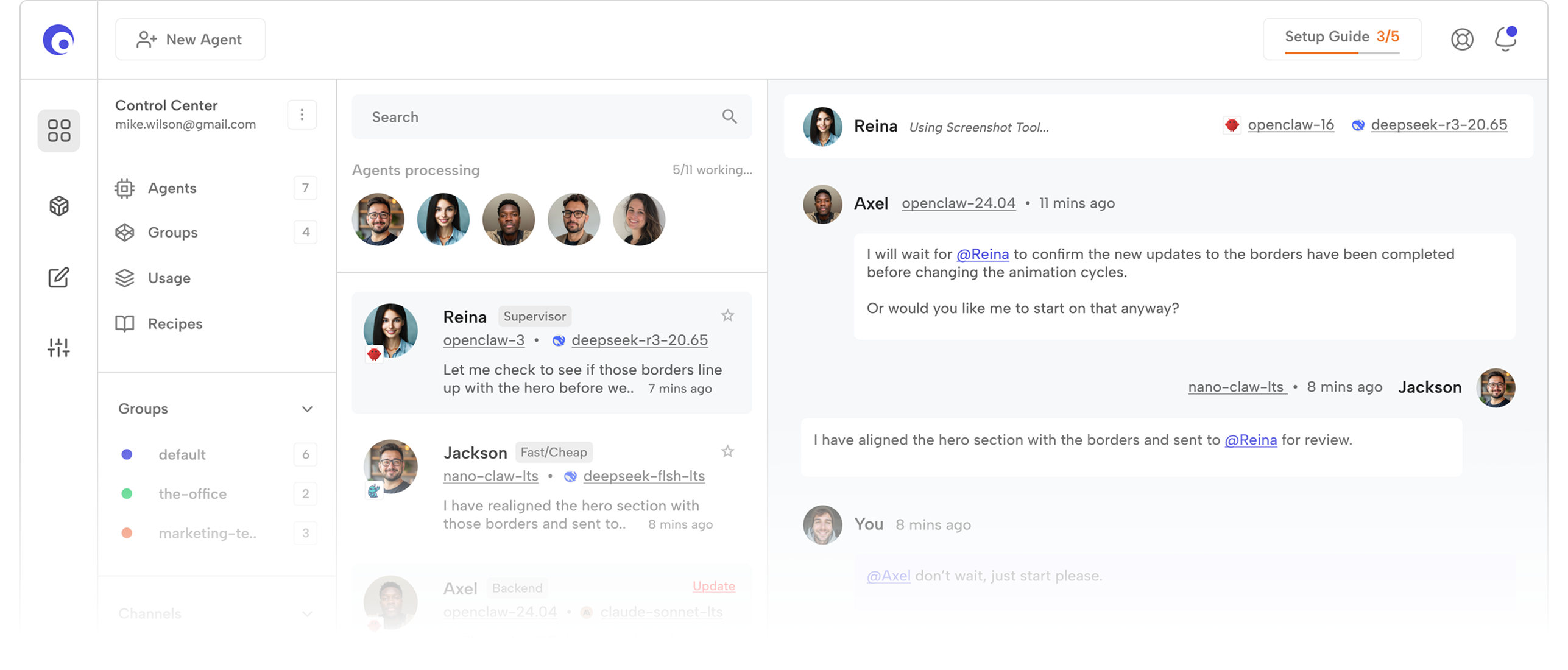




Zero Setup, Zero Infra
No VPS, no Docker, no CLI. Sign up, pick a model, and your OpenClaw agent is live.
Deploy Google 4.6
 TrustPilot 4.9
No servers to spin up, no API keys to juggle, no CLI to learn. Sign up in the browser, pick from 300+ models, and your OpenClaw agent is live and chatting in under a minute.
 claude-sonnet-4-6gemini-3-flash-pre
 gpt-o5-mini
 deepseek-r3-20.65
 mistral-medium-3
 grok-4-max
 llama-4-scout-90b
 qwen-3-max-72b
 phi-4.5-mediumclaude-sonnet-4-6gemini-3-flash-pregpt-o5-minideepseek-r3-20.65mistral-medium-3grok-4-maxllama-4-scout-90bqwen-3-max-72bphi-4.5-medium
No VPS, no Docker, no CLI. Sign up, pick a model, and your OpenClaw agent is live.
Deploy


Every frontier and open model, pre-warmed. Switch providers from a dropdown, not a code push.
ModelsTalk to engineers who actually run agents. 8-minute average response, day or night.
Get HelpLogs, traces, rate limits, billing and rollbacks. Batteries included from day one.
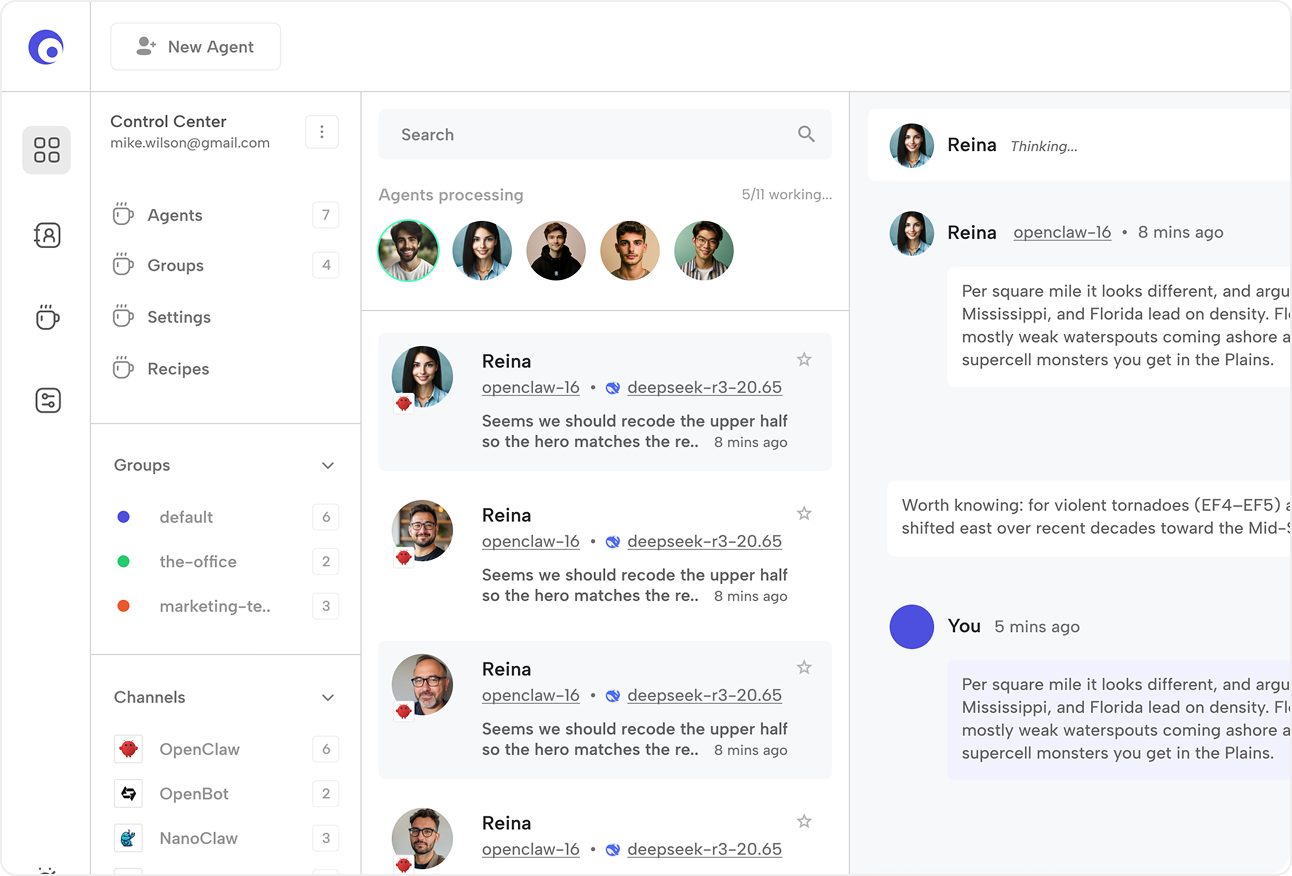
ExploreGive it a name, a persona, a model and a channel. Chat with it right from the Claws console, or wire it into Telegram, Discord, Slack or your own webhook — all without touching a Dockerfile, a YAML manifest or a CLI. If you can send an email, you can ship an agent.
Every request runs on our hosted OpenClaw runtime, routed through a single endpoint that already knows how to talk to 300+ models. Swap Claude for Gemini for DeepSeek in a dropdown.
 claude-sonnet-4-6
 1 Credit = 3,300 Tokens
 OpenClaw
A fully hosted support agent that grounds every reply in your knowledge base and can hand off cleanly to a human.
Ideal for small teams that want white-glove support without hiring a team to run it.
deepseek-r31 Credit = 4,200 TokensOpenClawMulti-hop web + document reasoning that returns cited, structured reports on demand.
Point it at a topic, come back to a briefing you can actually send to your boss.
gemini-3-flash-pre1 Credit = 62 TokensOpenClawDrafts, edits and schedules copy across your channels, tuned to your brand voice.
The always-on marketing hire that never gets tired of A/B testing subject lines.
gpt-o5-mini1 Credit = 210 TokensOpenClawWired into Slack, Notion and your ticket queue to answer questions and file structured requests.
Handles the repetitive internal asks so your team can stay in flow.
Google 4.6TrustPilot 4.9Pay for tokens, not seats. Spin up an OpenClaw agent, choose your model, and top up credits whenever you need them. No tiers, no surprises.
Start from OpenClaw or fork one of the recipe personas. Tweak the prompt, make it yours.
Route to 300+ models from one endpoint. Switch providers anytime, no migration, no lock-in.
300+Top up exactly what you need, no plans, no commitment. Tap refresh to size your pack.
Sign up, spin up an agent, get $5 in free credits and start chatting. Only pay for what you use.